Recipes stay open.
Follow every step without waking your screen.
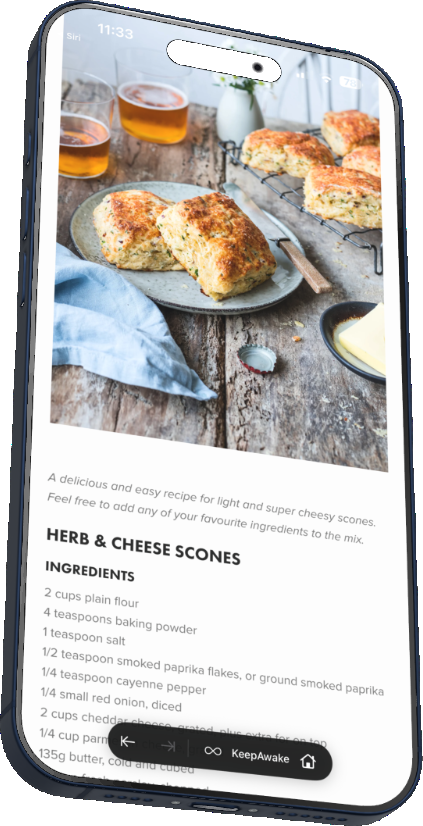
Keep recipes, instructions, webpages, documents and images visible while you get on with what you're doing.
For iPhone and iPad · No accounts · No subscription
Whether you're cooking, making, or creating, KeepAwake keeps the content you're using visible in its own viewer.
Follow every step without waking your screen.
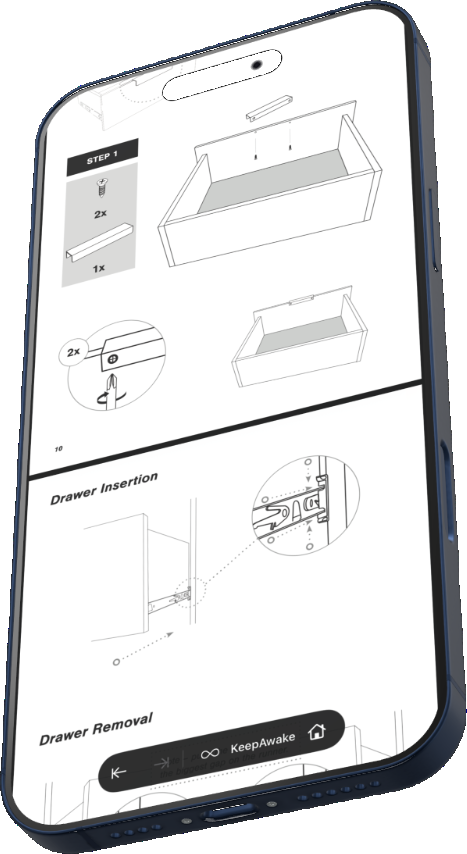
Manuals and PDFs where you need them.
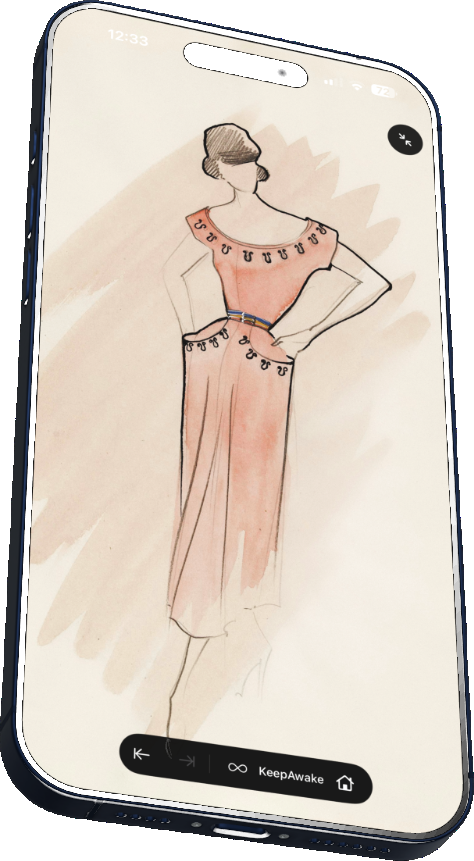
Keep an image or creative reference on screen.
Install the free KeepAwake Shortcut once. Then share a supported webpage, PDF, document or image straight to KeepAwake.
Setup instructions ↗Say “Hey Siri, KeepAwake” to launch the combined Shortcut. Sharing and Siri use the same setup.
Using Siri ↗KeepAwake prevents Auto-Lock while supported content is open in its viewer. Your normal Auto-Lock behaviour resumes after you leave.
Follow the in-app instructions to add the free Apple Shortcut.
Share supported content to KeepAwake, or start with Siri.
Read and reference your content without repeatedly touching the screen.
Shortcut setup, supported formats and answers to common questions — all in one place.